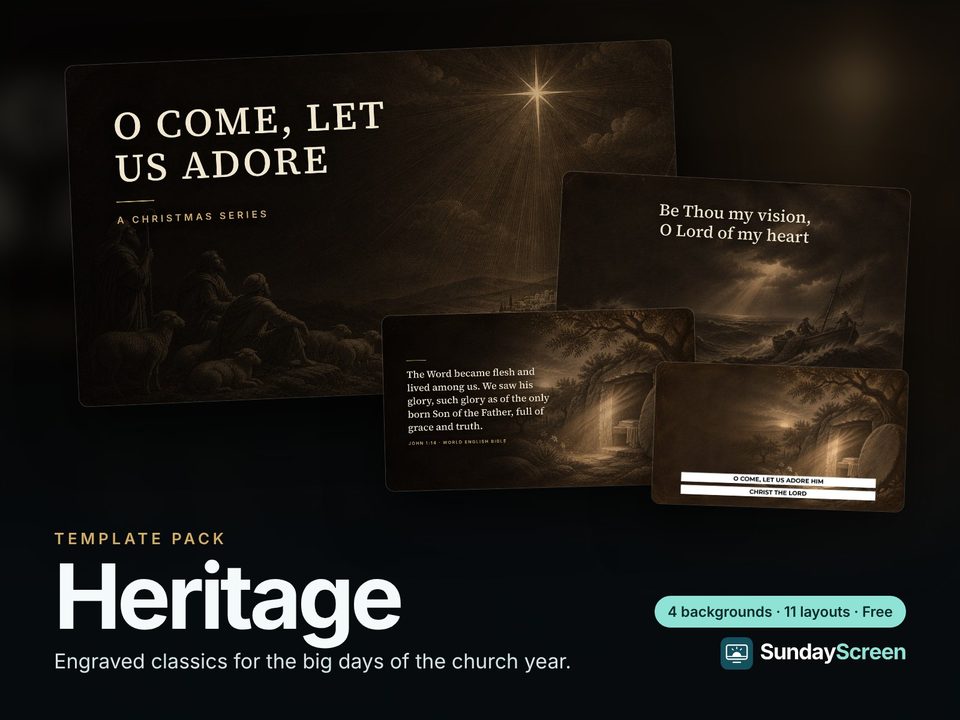
Heritage
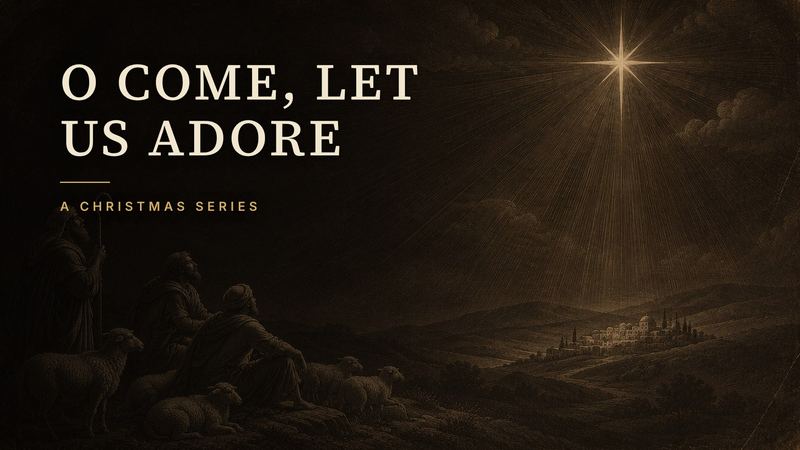
Engraved classics for the big days of the church year.
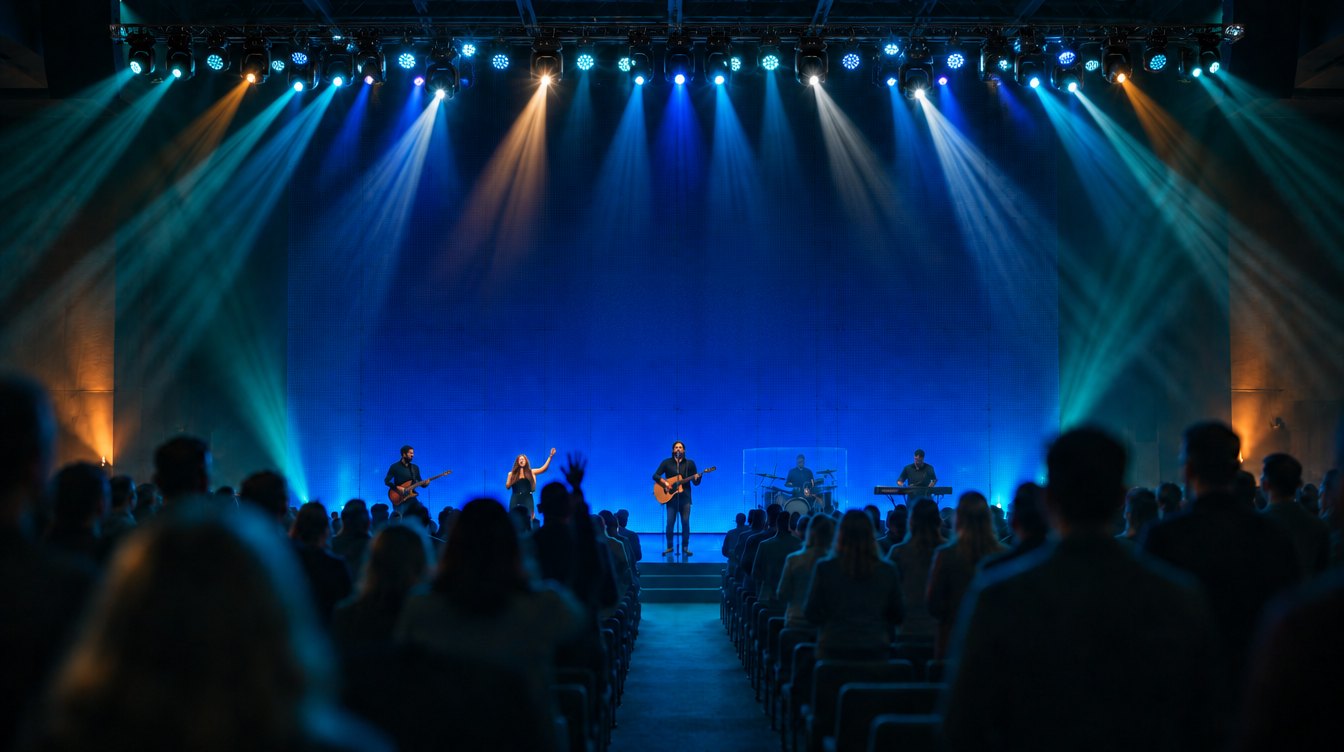
Free presentation software for songs, Scripture and announcements. Easy to run, and it works for anyone.
SundayScreen works from one computer, in one window. It supports multiple displays, so the same computer can run the room screen and a stage screen.
Big room or living room. Here are some of the ways people use it.
Eight packs come with SundayScreen, with 32 backgrounds and 88 slide layouts. These are a few of the styles. Every template is free, always.
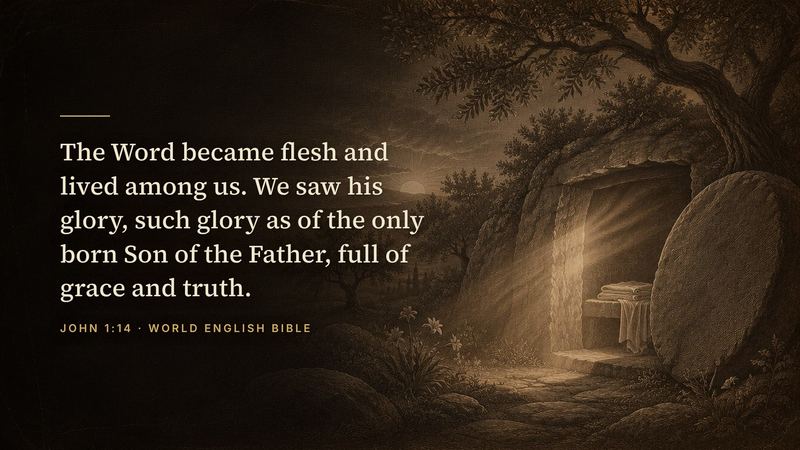
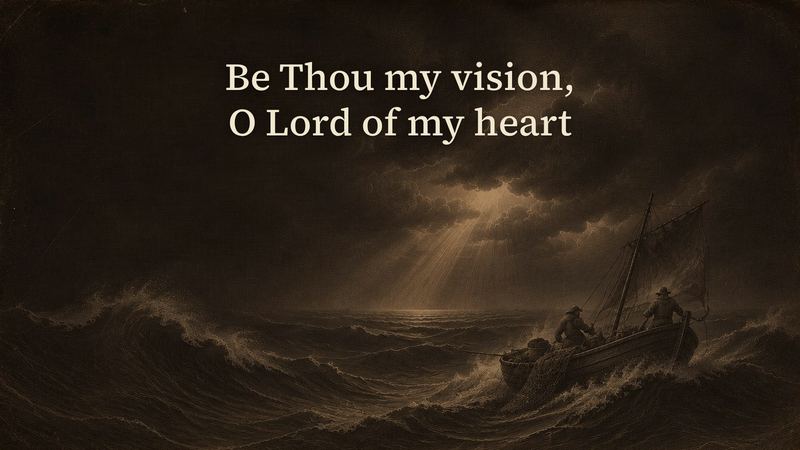
Engraved classics for the big days of the church year.
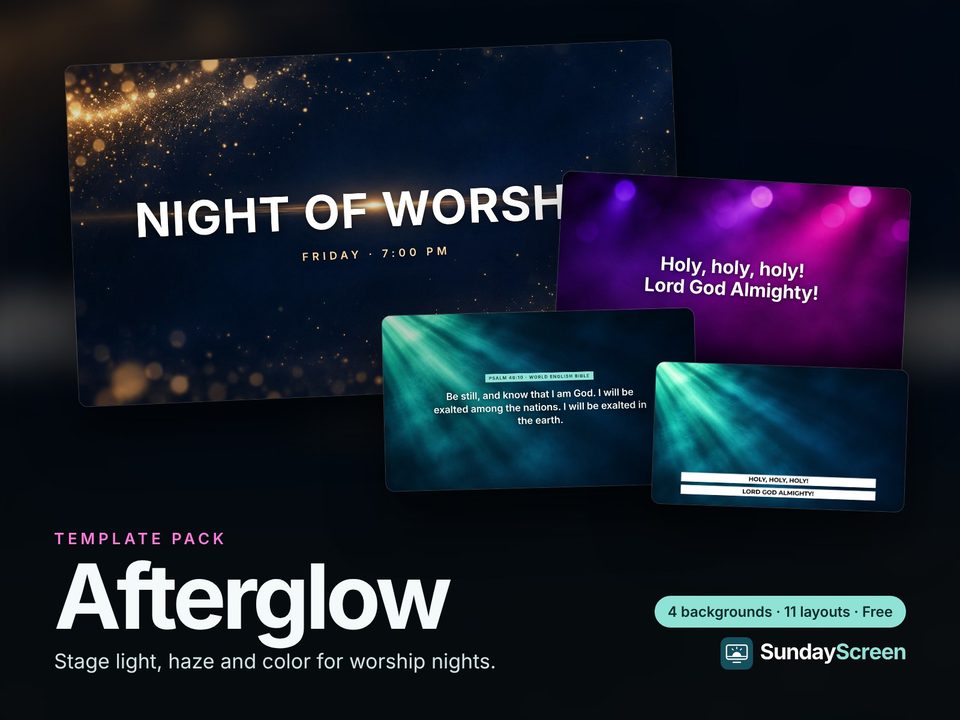
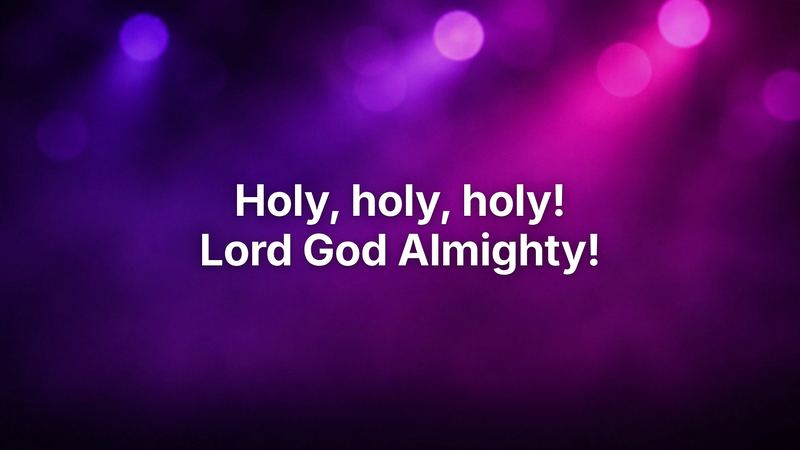
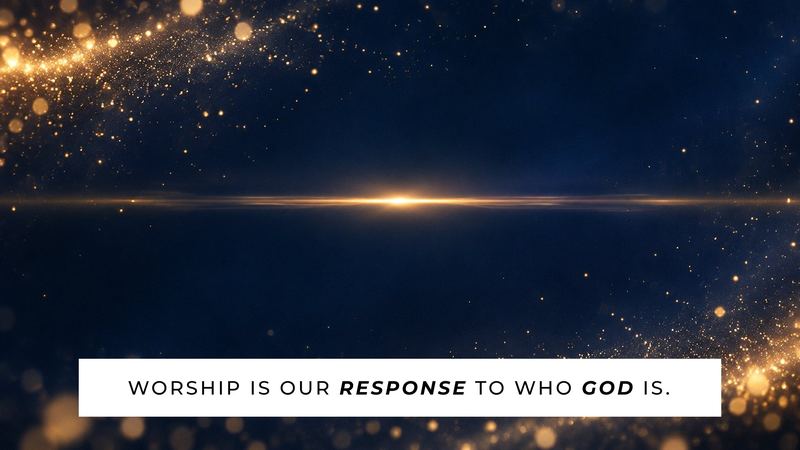
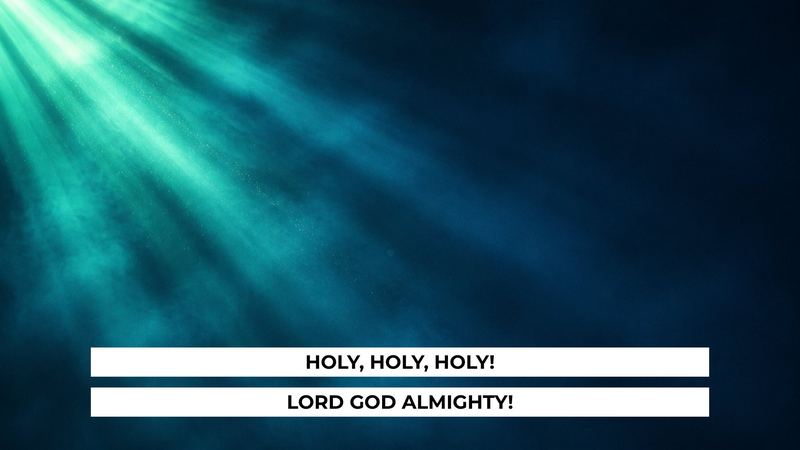
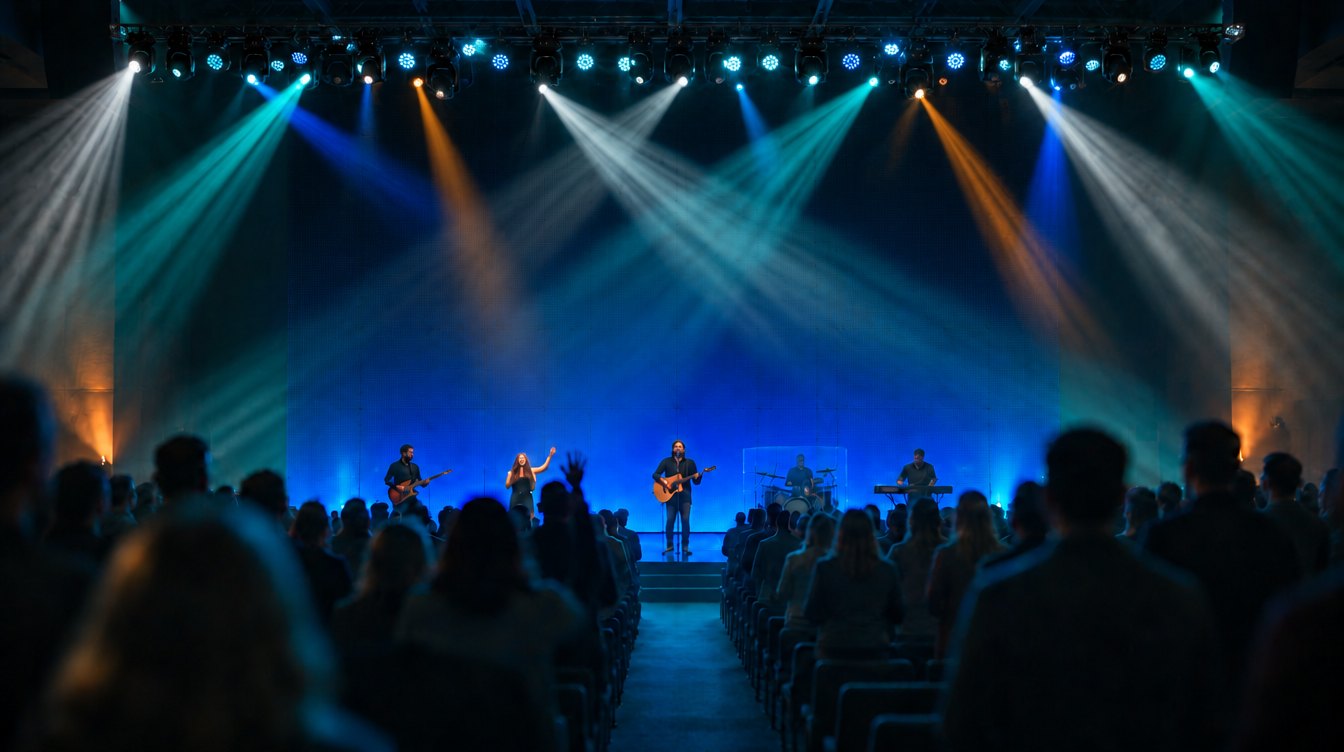
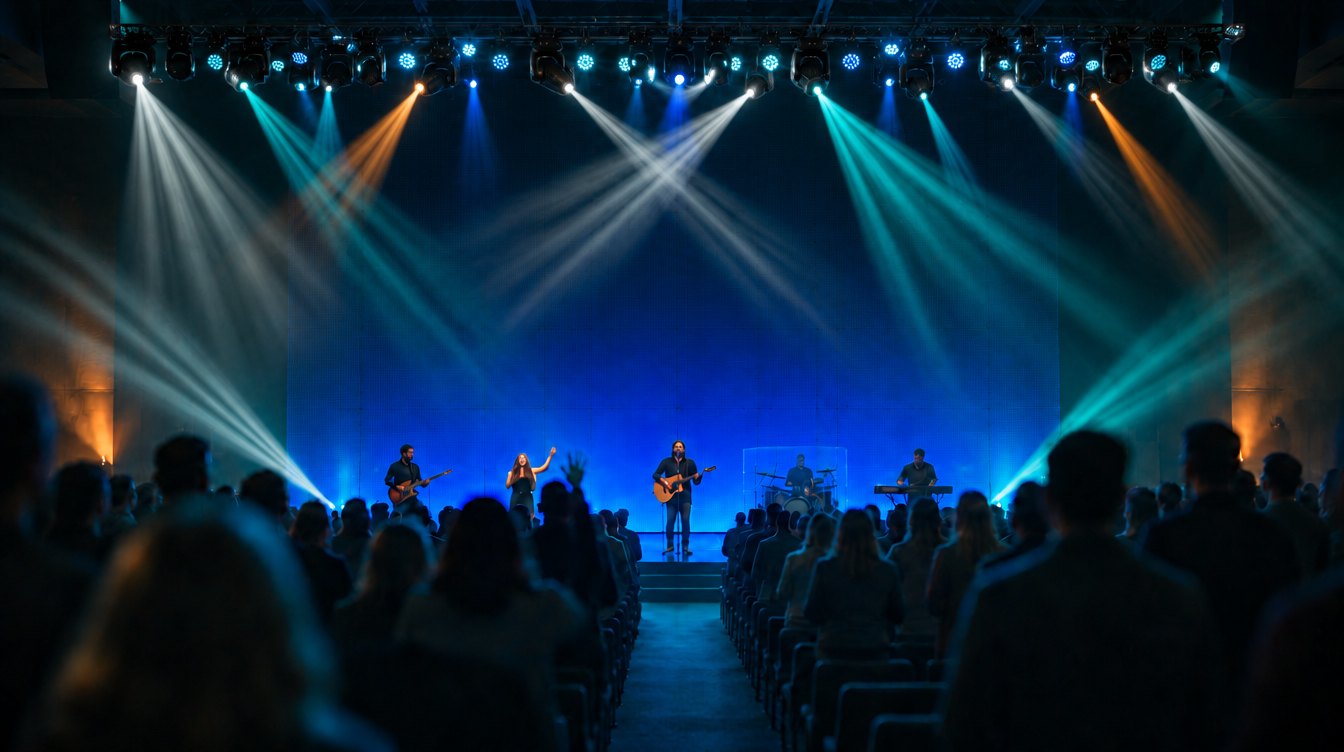
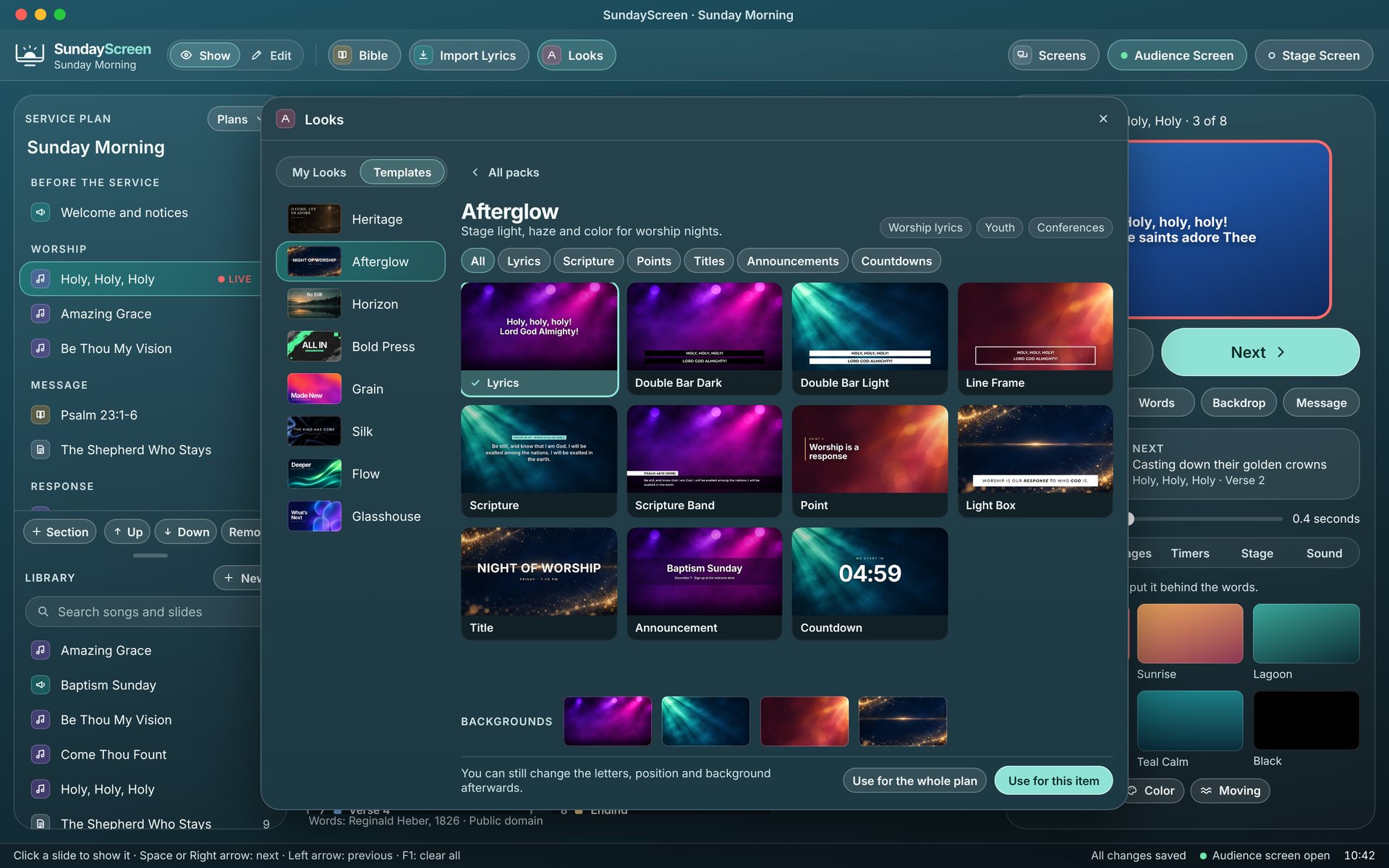
Stage light, haze and color for worship nights.
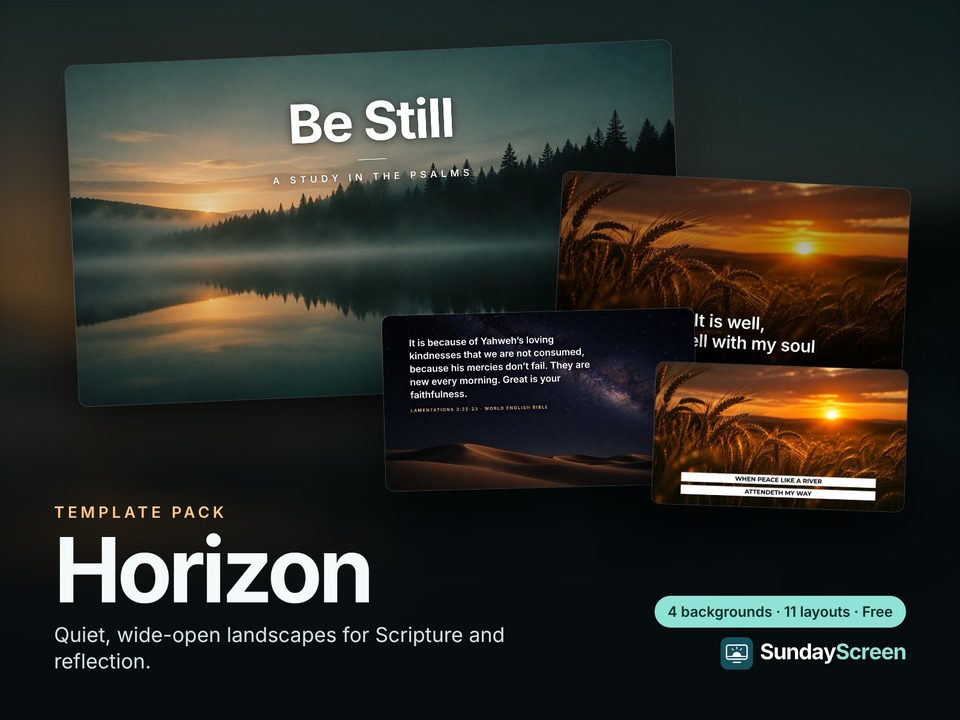
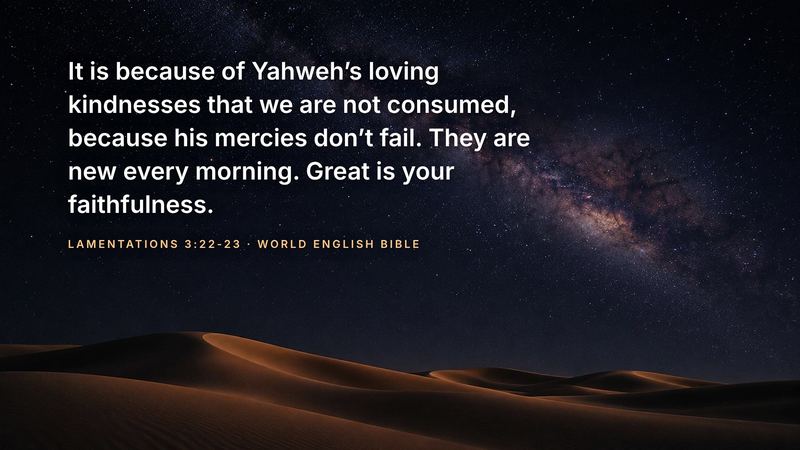
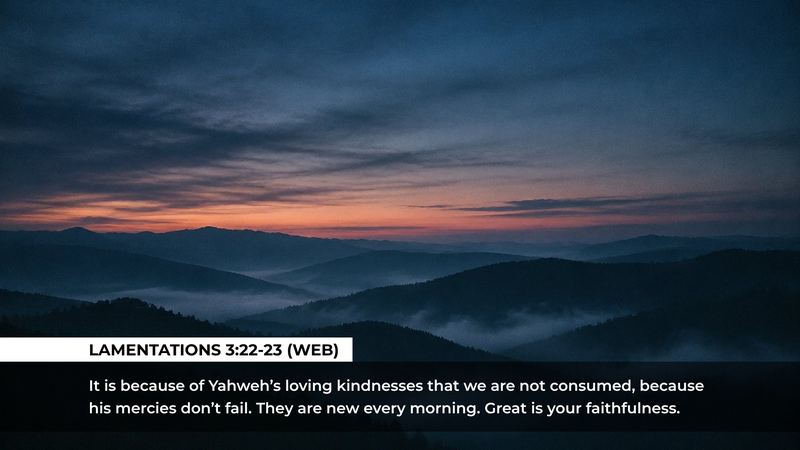
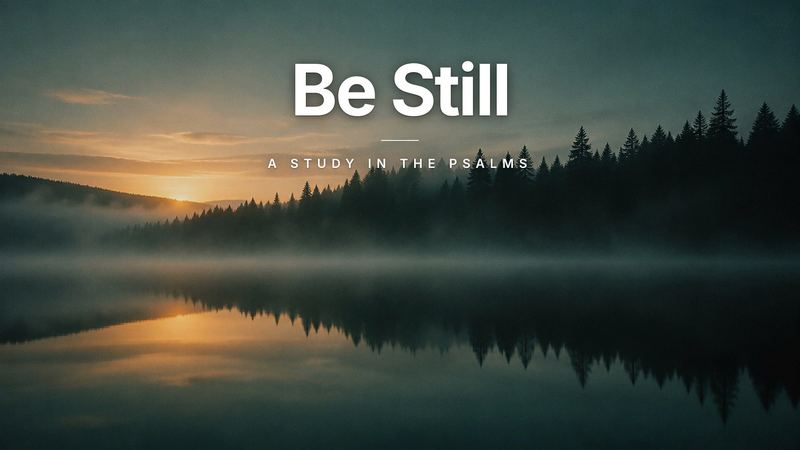
Quiet, wide-open landscapes for Scripture and reflection.
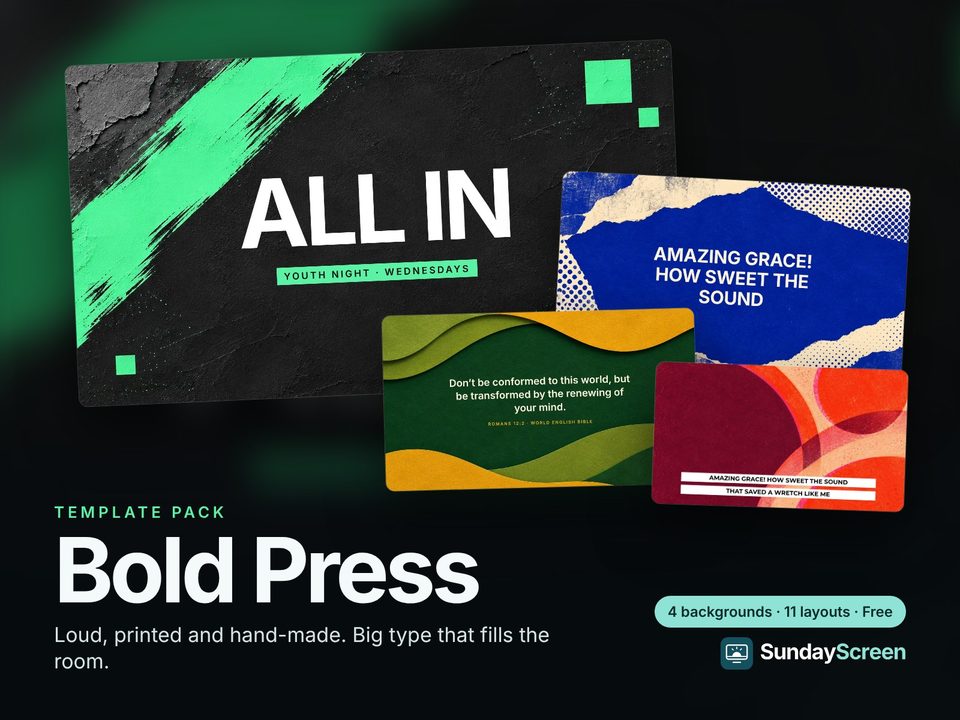
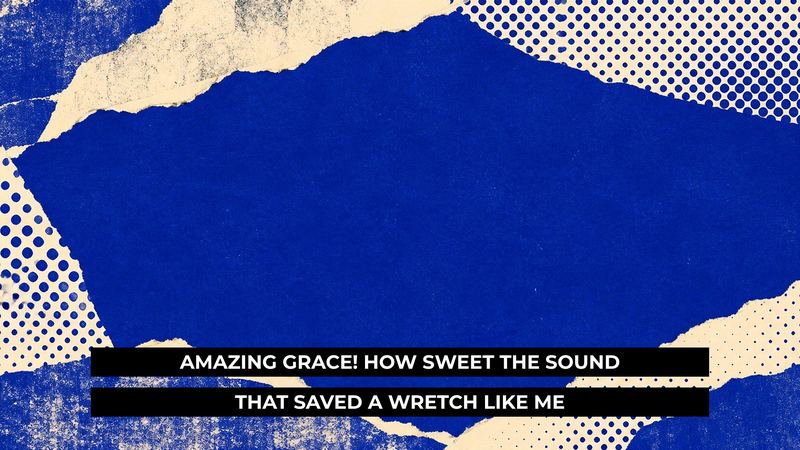
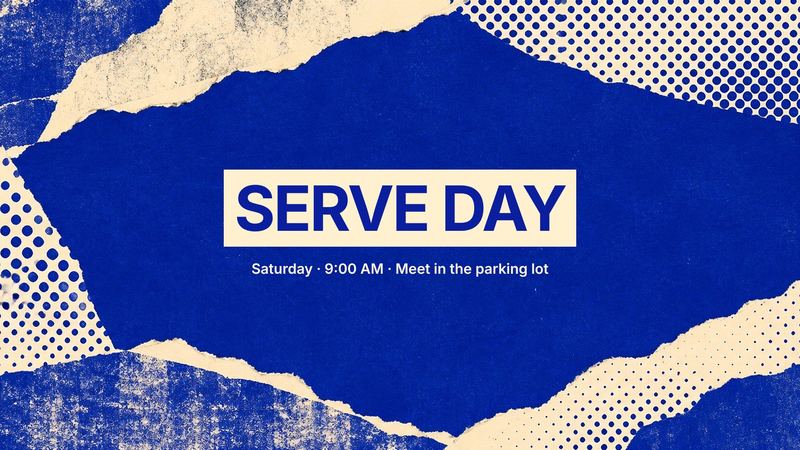
Loud, printed and hand-made. Big type that fills the room.
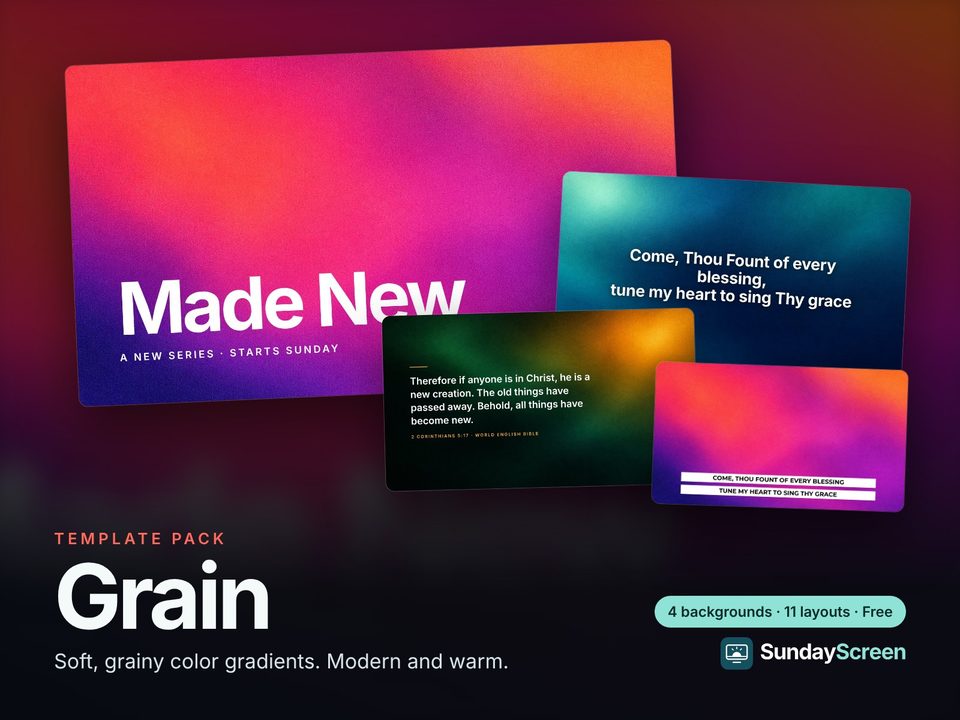
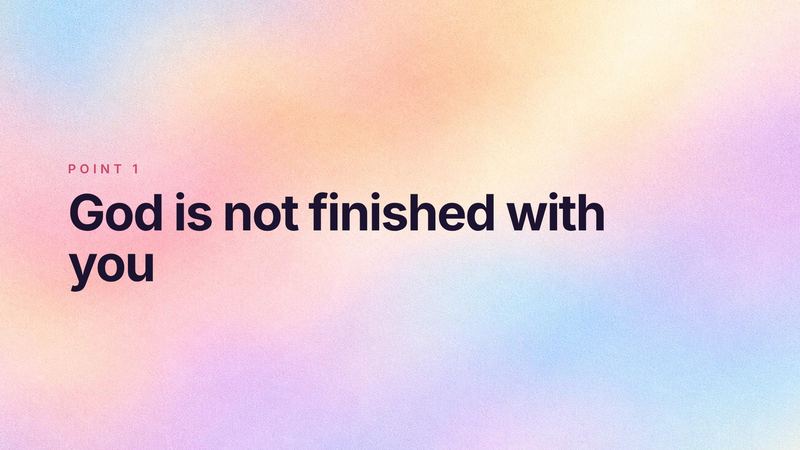
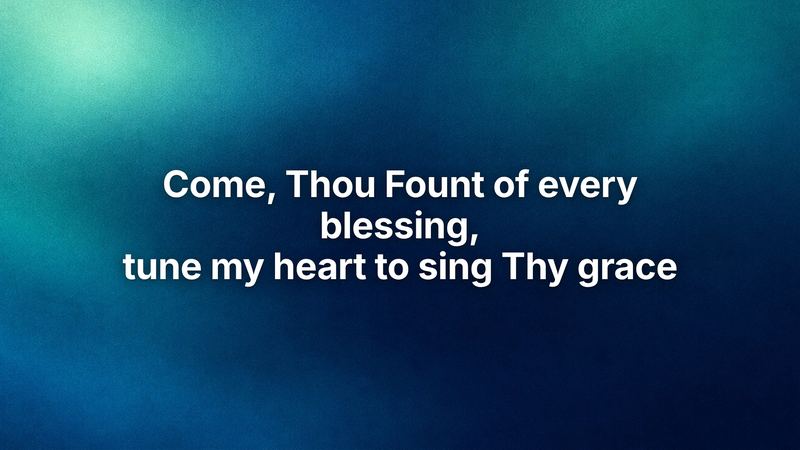
Soft, grainy color gradients. Modern and warm.
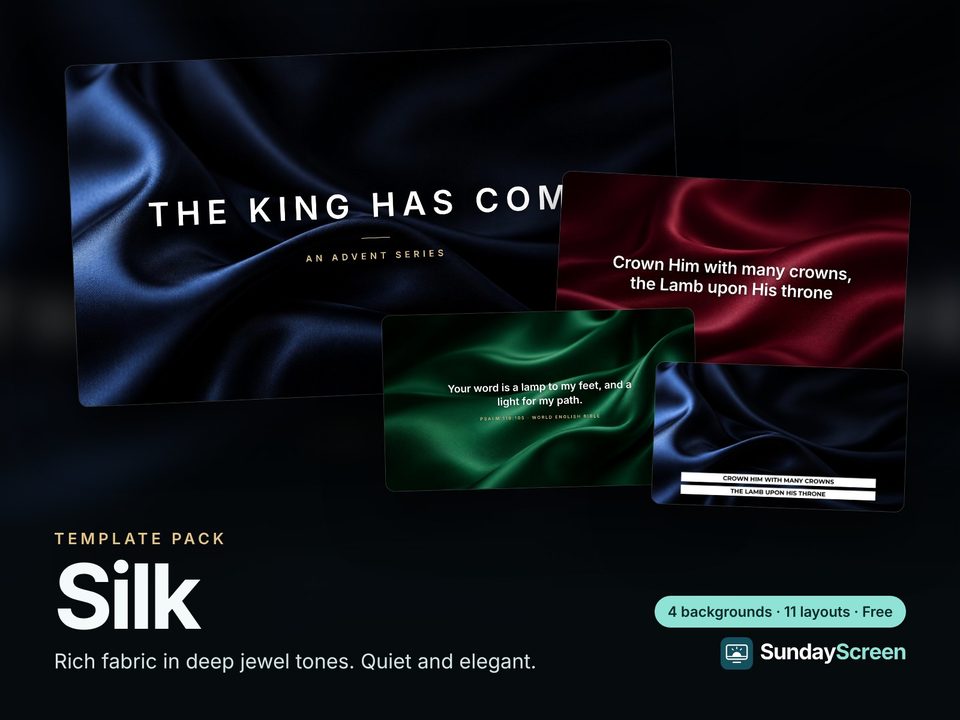
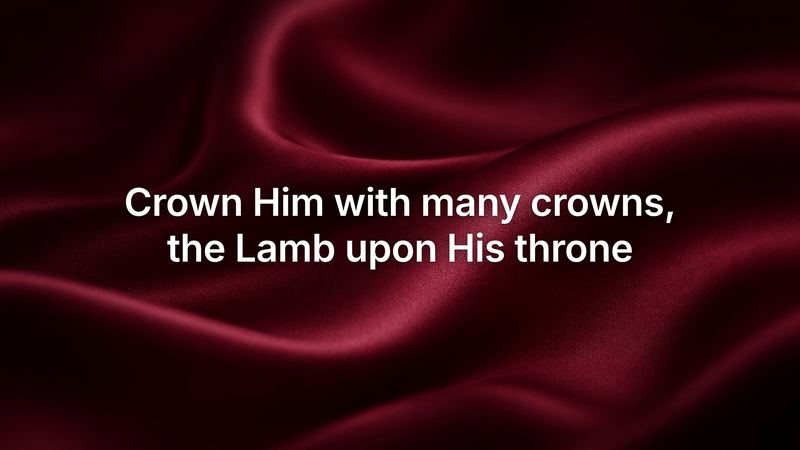
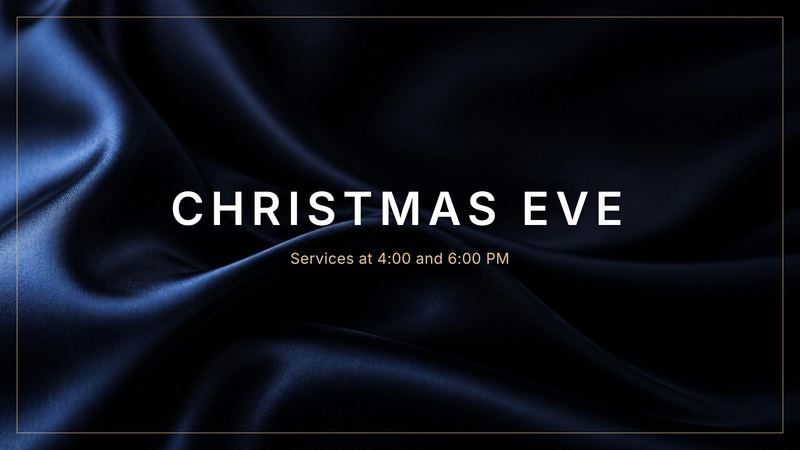
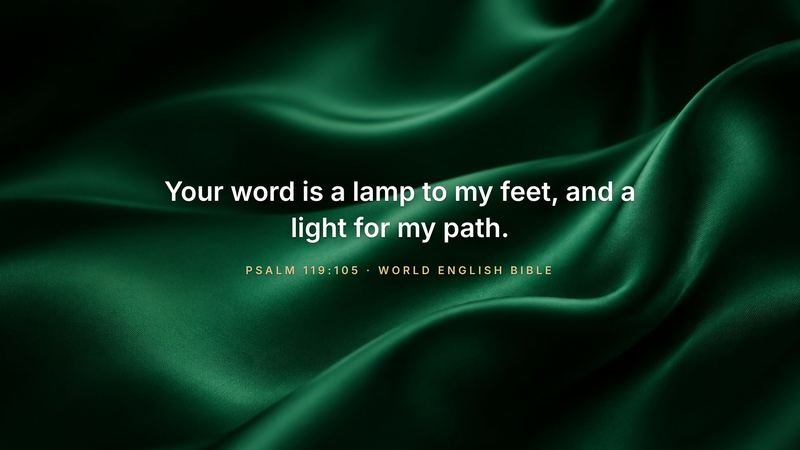
Rich fabric in deep jewel tones. Quiet and elegant.
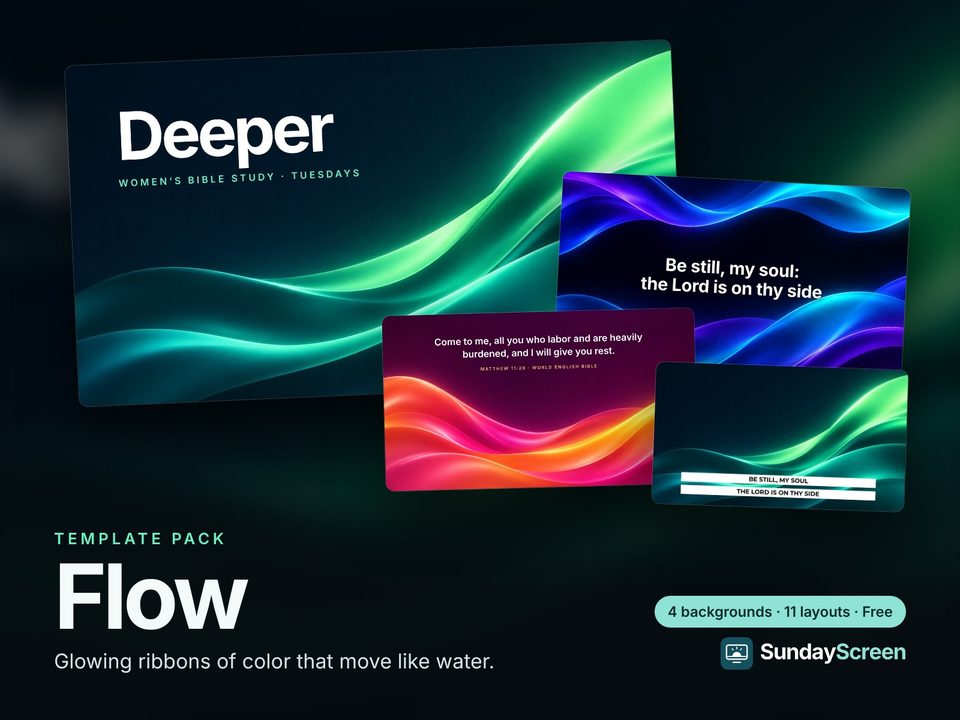
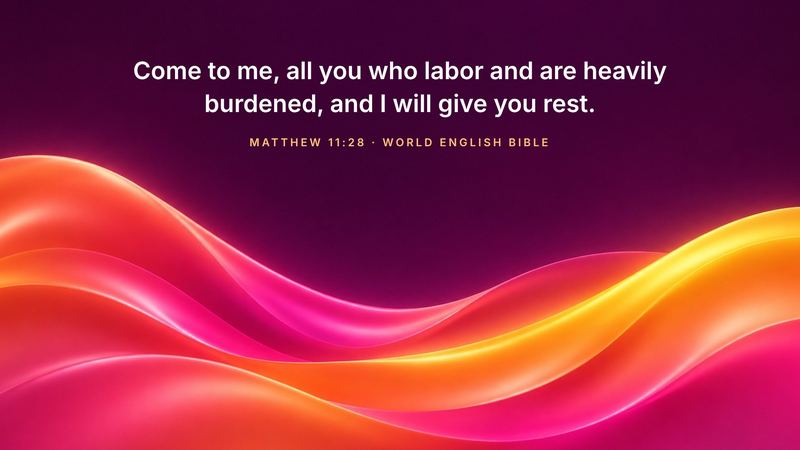
Glowing ribbons of color that move like water.
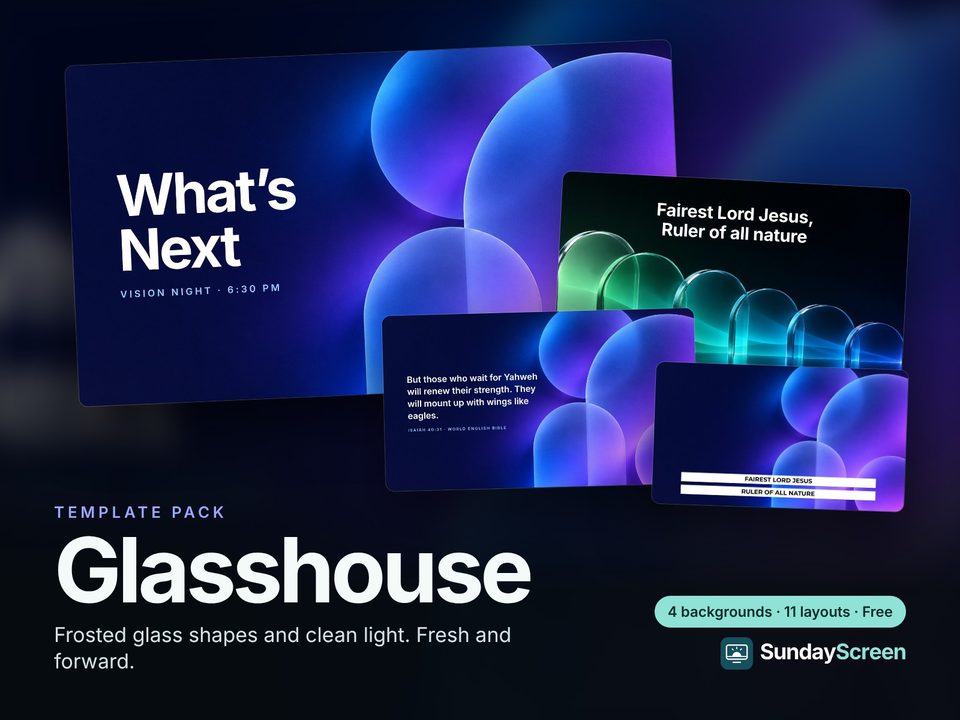
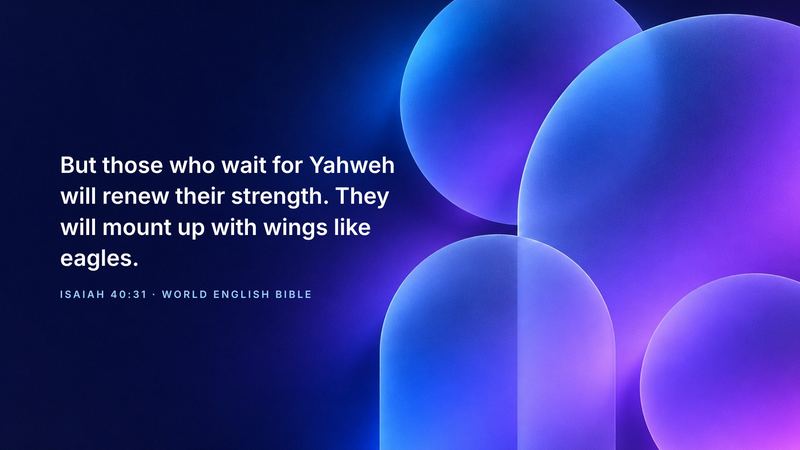
Frosted glass shapes and clean light. Fresh and forward.
No downloads, no importing, no extra fonts to install. Open Looks, choose Templates, and use a layout for one song or the whole plan.
You do not have to start over. Bring in the presentations and songs you already have and keep going.
Import your PowerPoint presentations.
Import decks made in Google Slides.
Import your Keynote presentations.
Bring over songs and presentations from ProPresenter.
Paste the words or open a text file.
Coming from another major presentation app? You can import from those too.
Next up: connect SundayScreen to the AI model you already use, and run the whole app by asking. These features are planned. They are not in the app yet.
Describe the service and let your AI model put the plan and the slides together.
Ask for bigger words, a different layout or a new background, and it changes.
Create brand-new backgrounds and themes with image tools like Higgsfield, right from the app.
“Go into all the world and preach the Good News to the whole creation.”Mark 16:15, World English Bible
SundayScreen is a resource from Gospel Expansion Initiative, a nonprofit that builds tools to help churches, ministries and organizations share the gospel. There is no price, no subscription and no account. A Bible study of twelve gets the same tool as a church of three thousand.
The tools a church uses to share the gospel should never depend on its budget. So SundayScreen is free and will stay free. That includes every template pack.
It comes from the same team as Ask the Bible, the free app that answers questions from Scripture itself.
Launching in December. Free, with no sign-up, no trial and no ads.
Version numbers, file names and sizes are placeholders until the first release.
Something else on your mind? Ask us at hello@sundayscreen.app.
Yes. SundayScreen is free for every church, ministry and organization, with no subscription, no trial and no ads. Gospel Expansion Initiative makes it as a gift to the church.
No. Use it for any gathering: a Tuesday night Bible study, a Wednesday morning prayer meeting, youth night, a conference, a camp or a classroom. Make a plan for each one and reuse your songs and slides.
No account. No internet during the service. Everything runs on your computer, and your plans and songs are saved there too.
A Mac with macOS 12 or later, or a Windows 10 or 11 PC, plus a projector or TV. A second TV on stage is optional for the stage screen.
Yes. SundayScreen imports from PowerPoint, Google Slides, Keynote, ProPresenter and other major presentation apps. You can also paste lyrics or open a text file.
Yes. Paste or import any lyrics. For copyrighted songs, keep your church's song license current. SundayScreen stores the copyright line with each song and can show it on the slide.
The World English Bible and the King James Version, both public domain, so you can show them freely.
No. All eight template packs come with SundayScreen, and every template is free, always. There is nothing to buy, download or install.
Use the Lower Third look for words along the bottom on a black background, ready for your streaming software to key out.
Gospel Expansion Initiative, the nonprofit behind Ask the Bible. We build free tools that help churches and ministries share the gospel.
We are doing our best to ship updates quickly and add new features. Tell us what you need or what went wrong.

SundayScreen is free for everyone. If it helps your church, you can support the work with a gift to Gospel Expansion Initiative.
SundayScreen is one of several tools built to serve the church. Here are others you may find useful.
We hope SundayScreen serves your church well, this week and every week after.
A closer look at running a service, the tools inside, and the stage screen.
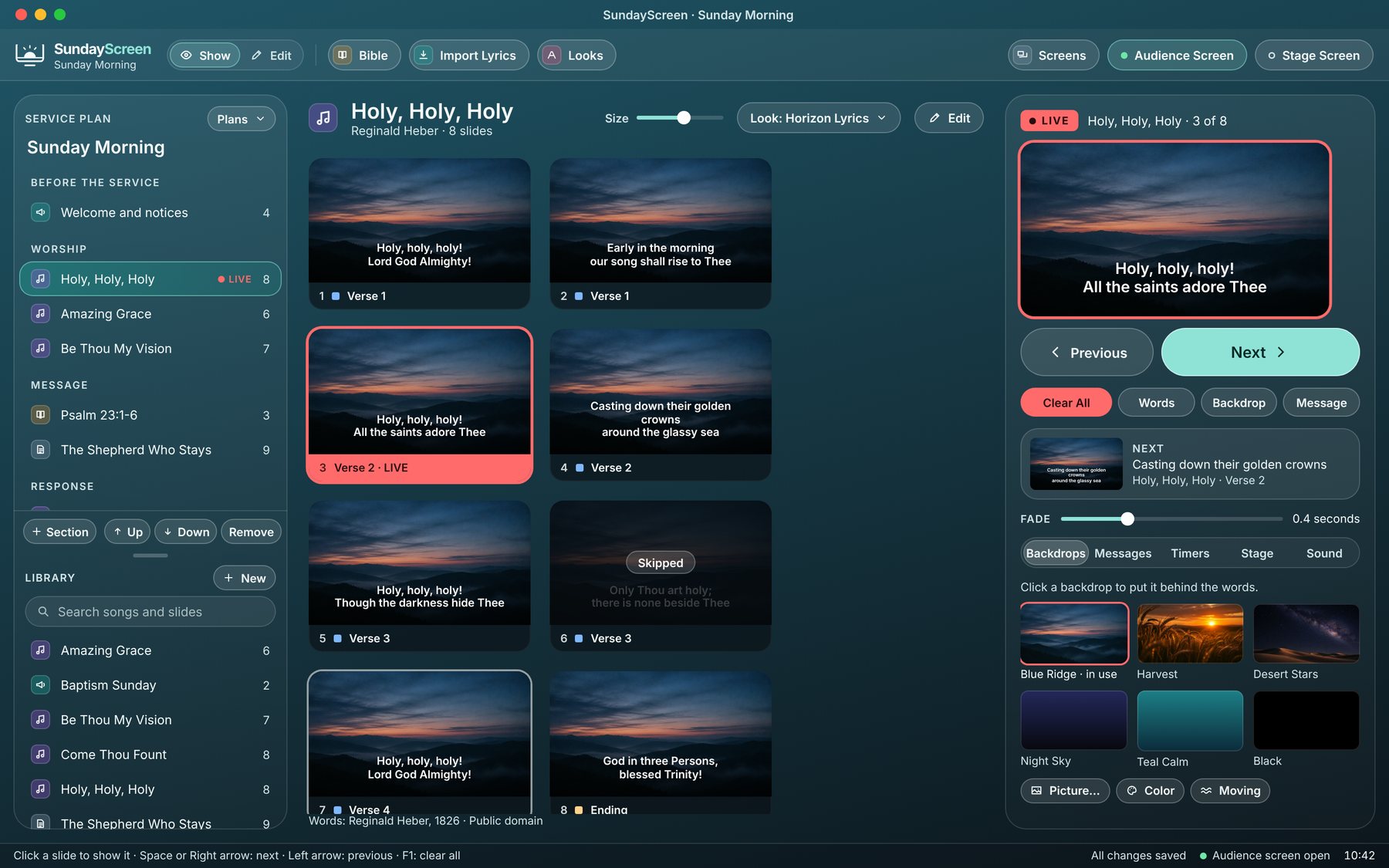
Only what is on the screen right now is red. You always know what the room sees.
You see exactly what Next will show, even when it is the next song.
Clear All never scrolls away. One click and the screen is empty.
Everything runs on your computer. If the Wi-Fi drops, the service doesn't.
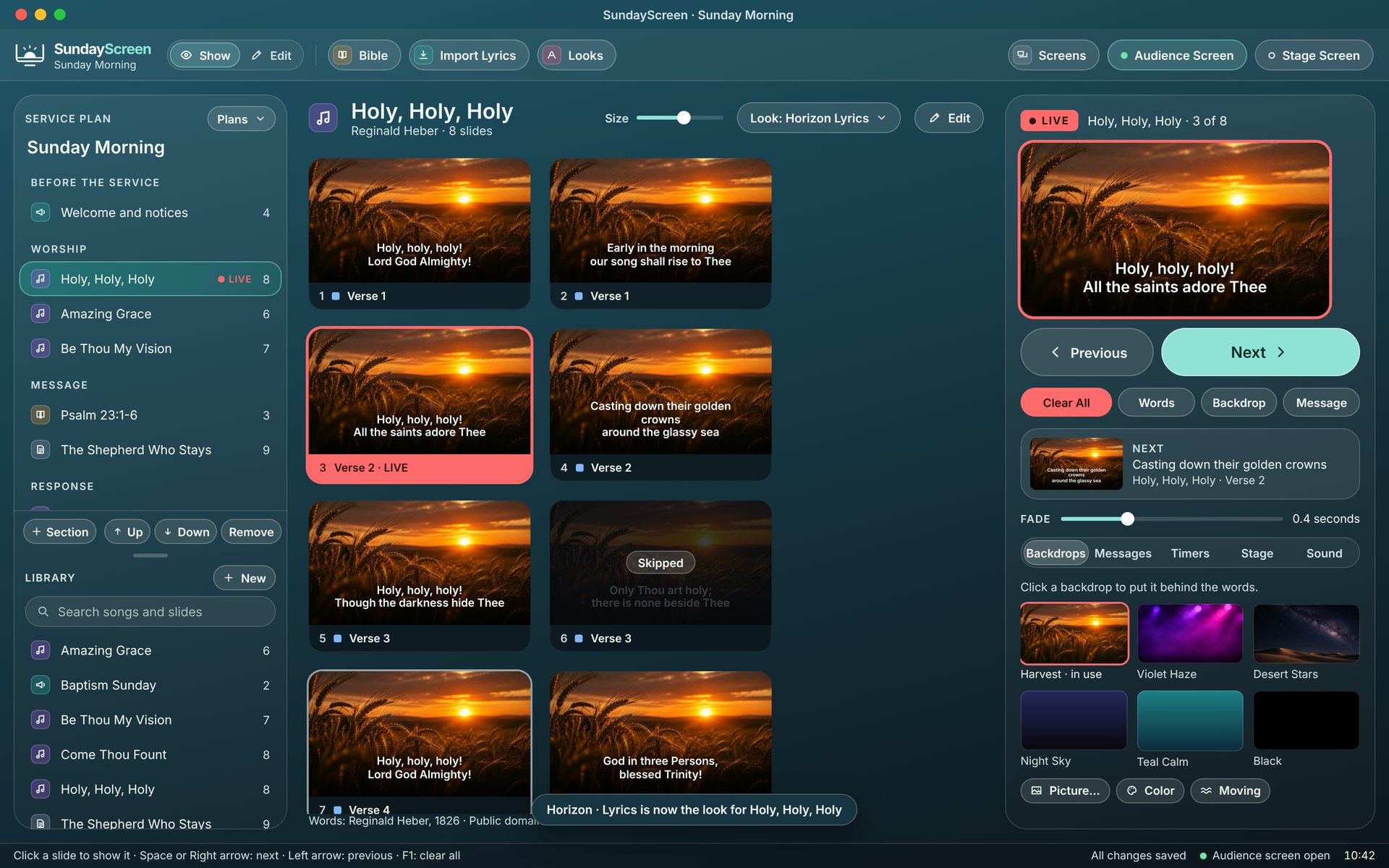
Songs, Scripture, announcements, timers and messages, all in one quiet window. Nothing extra to learn.
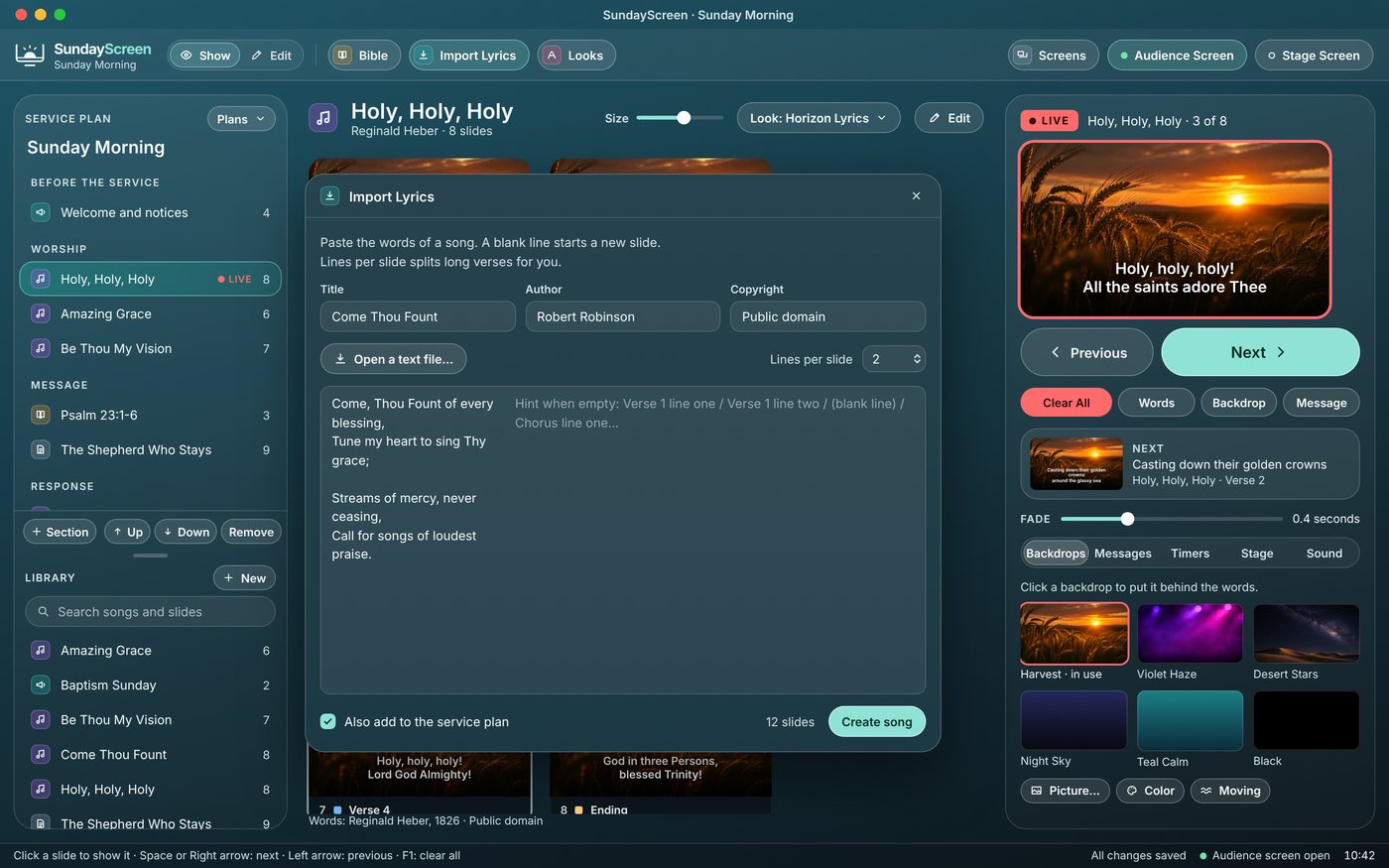
Type a passage or search for words. SundayScreen splits it into slides with the reference at the bottom.
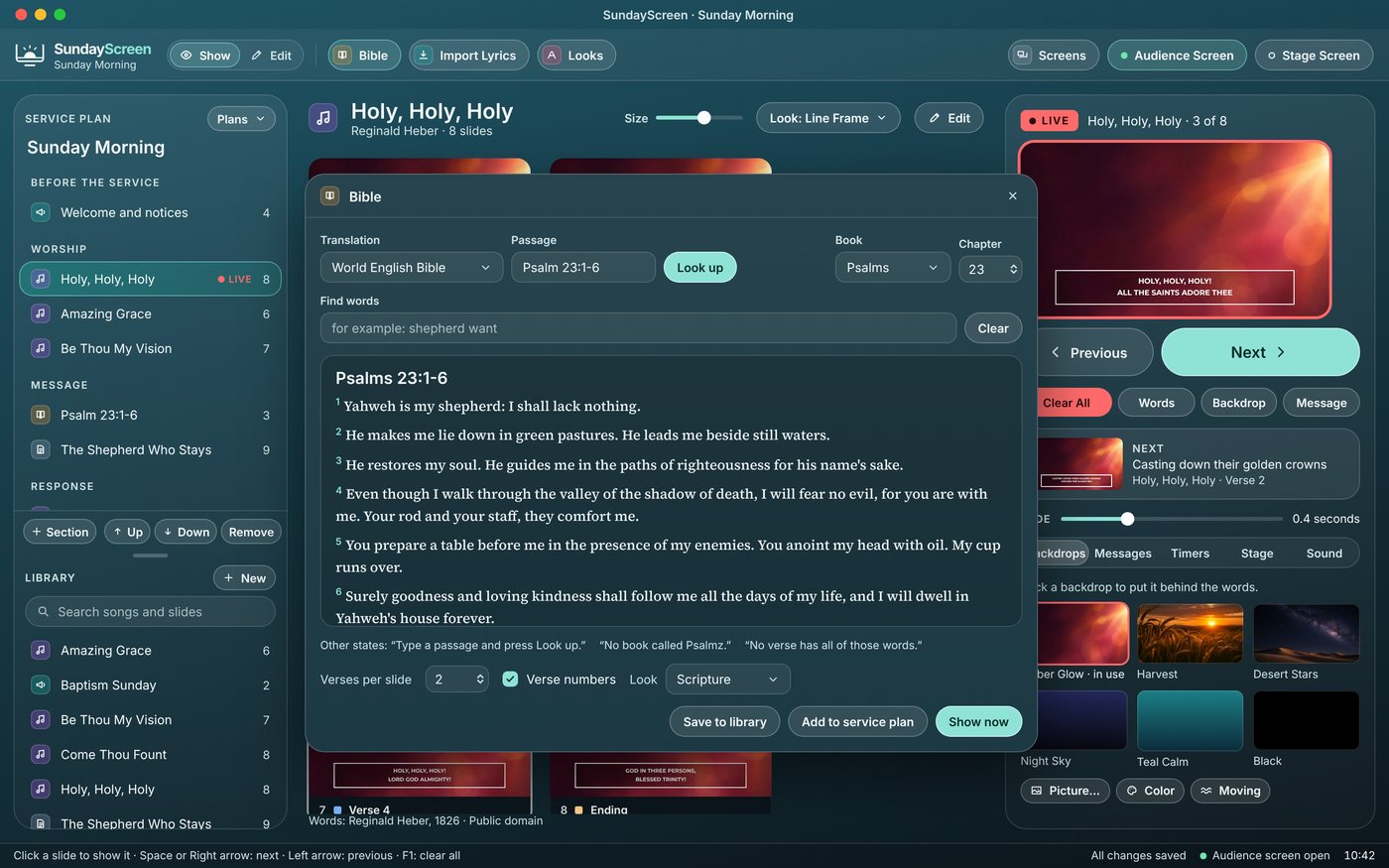
Paste a song, set lines per slide and press Create. A blank line starts a new slide.
Open Looks, pick a pack and click a layout. Every slide in the song changes at once. Then change the letters, position or background if you want to.
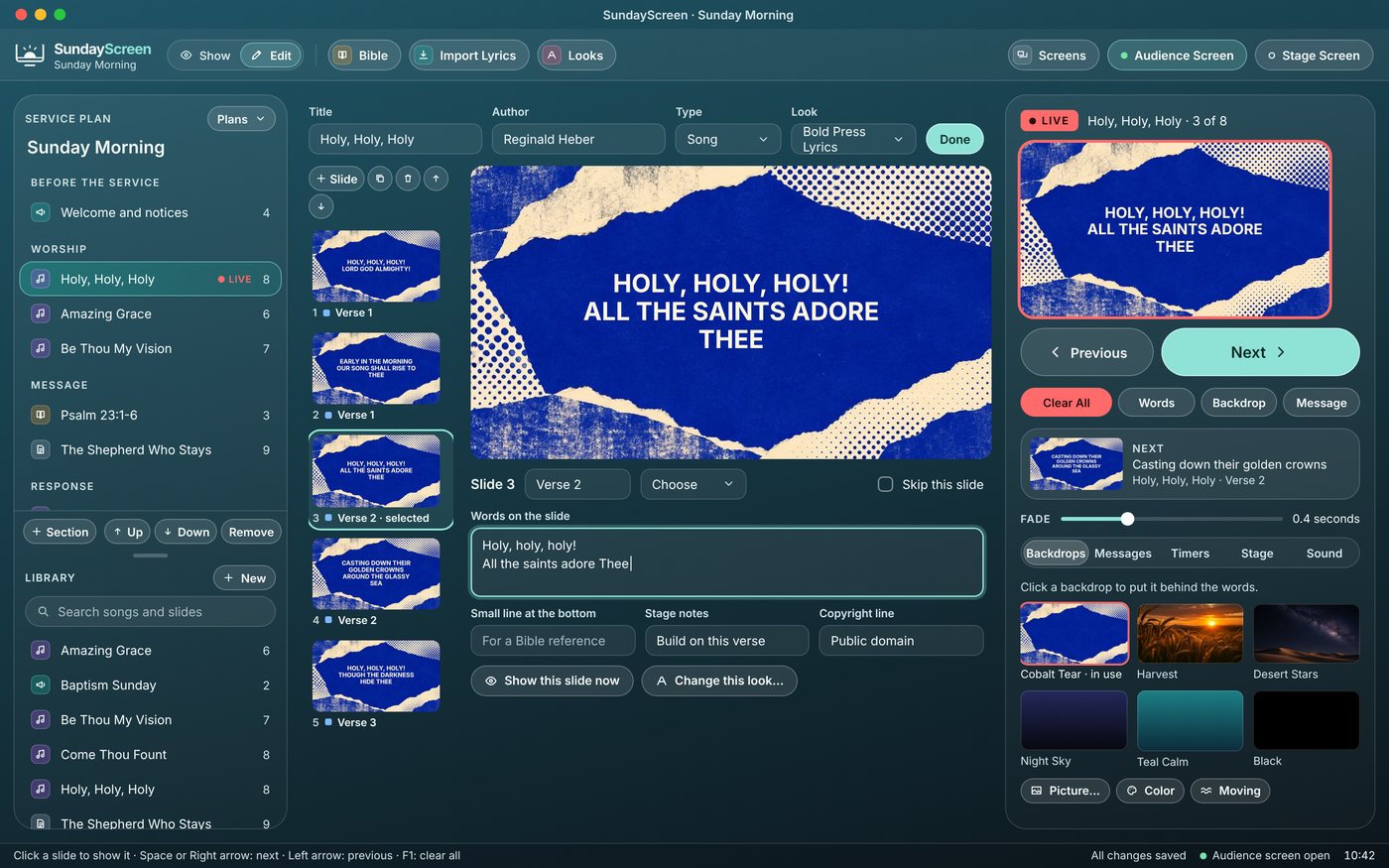
A large preview updates as you type. Group slides into verses and choruses, add stage notes, or skip a slide for this week.
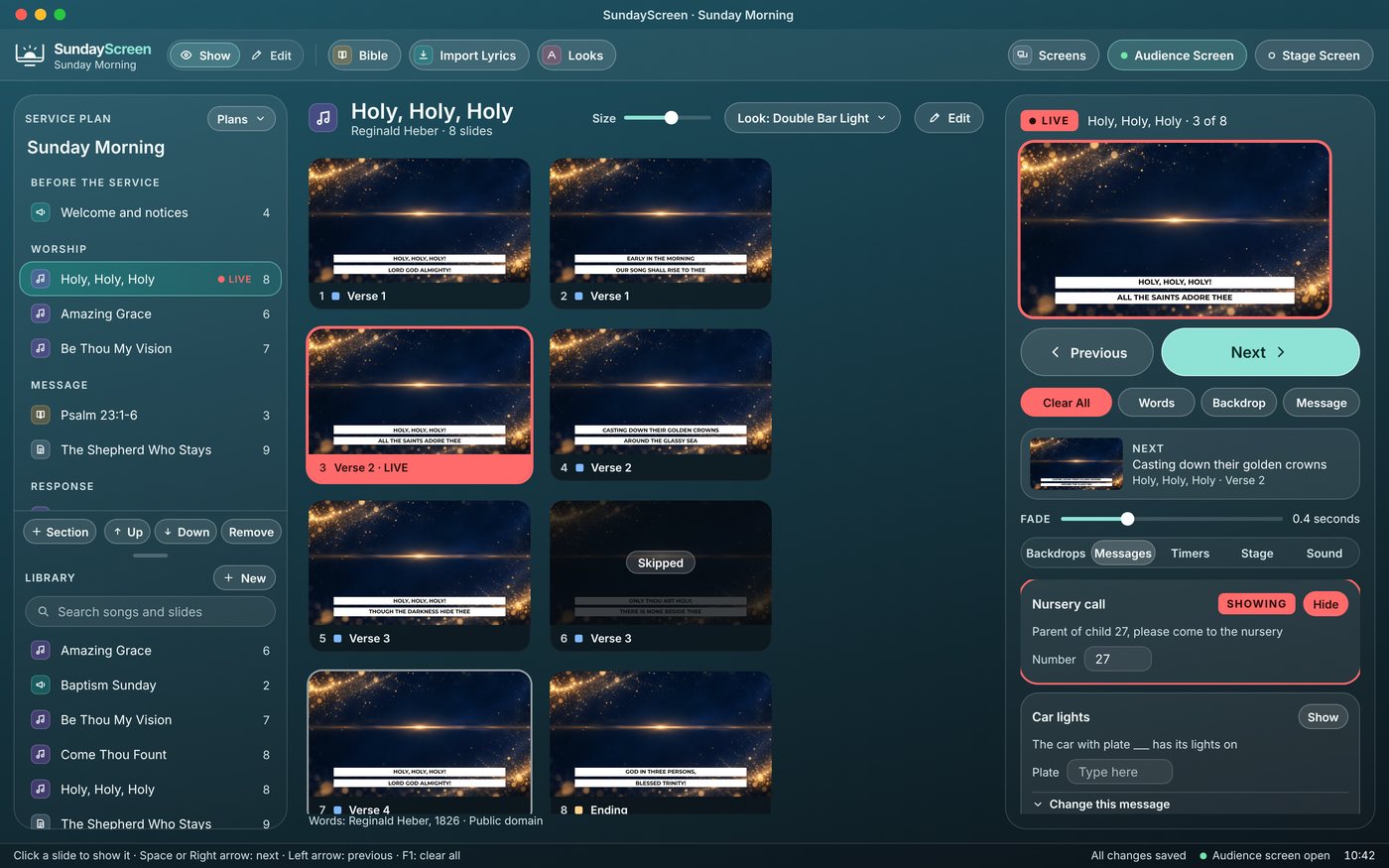
Call a parent from the nursery without stopping the song. Count down to the service start, or keep the sermon on time.
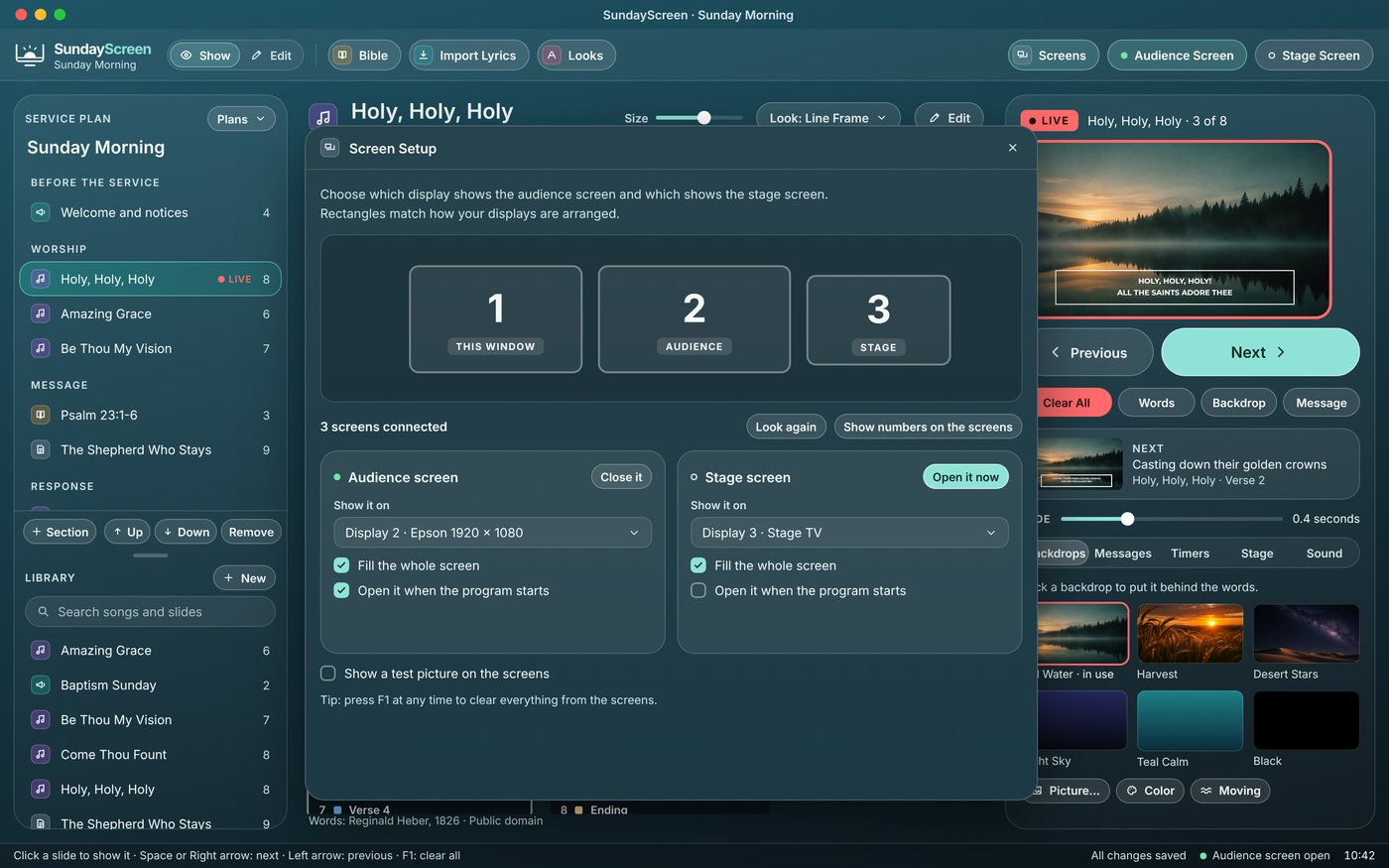
Plug in a projector and a stage TV. SundayScreen shows your displays as they really sit and lets you choose where each screen goes.
The band and the pastor see the words now, the words next, the clock and the timer, in type you can read from across the room. This one is running on your clock right now.
Send a quiet word from the booth. No one in the seats will see it.
Holy, holy, holy!
All the saints adore Thee
Casting down their golden crowns
around the glassy sea